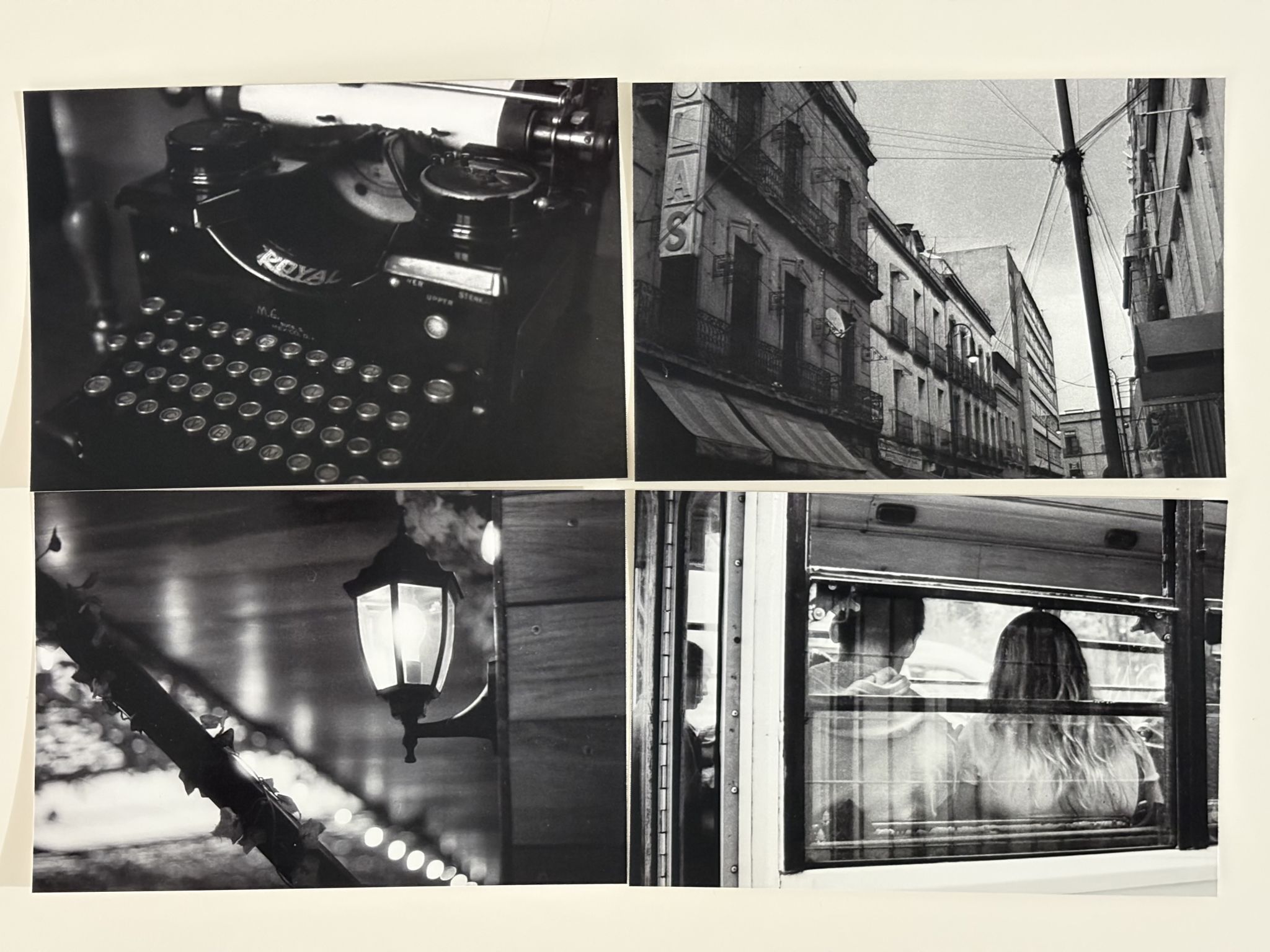
After my last article, the Canon Selphy printer review was next up—and here it is.
The Little Printer You Didn’t Know You Needed (Or Something Like That)
A couple of years ago, I owned an Instax Square printer. I wanted to love it, but between the tiny photo size and how different the black-and-white shots looked compared to the actual image, I ended up selling it.
But I always missed it. Maybe not the printer itself, but the ability to hold my photos. I’ve always believed photography is meant to be experienced on paper—not on those miserable little phone screens.
So my search went on for months, until one day, I came across the Canon Selphy CP1500. As soon as I had some fresh budget for photo gear, I bought it—and I’ve been happy with it ever since.
What’s Good About This Printer?
One of my biggest concerns was how it would handle black-and-white prints. I worried they might come out either too dark or too washed out. But after watching a few YouTube reviews, I felt confident enough to give it a go.
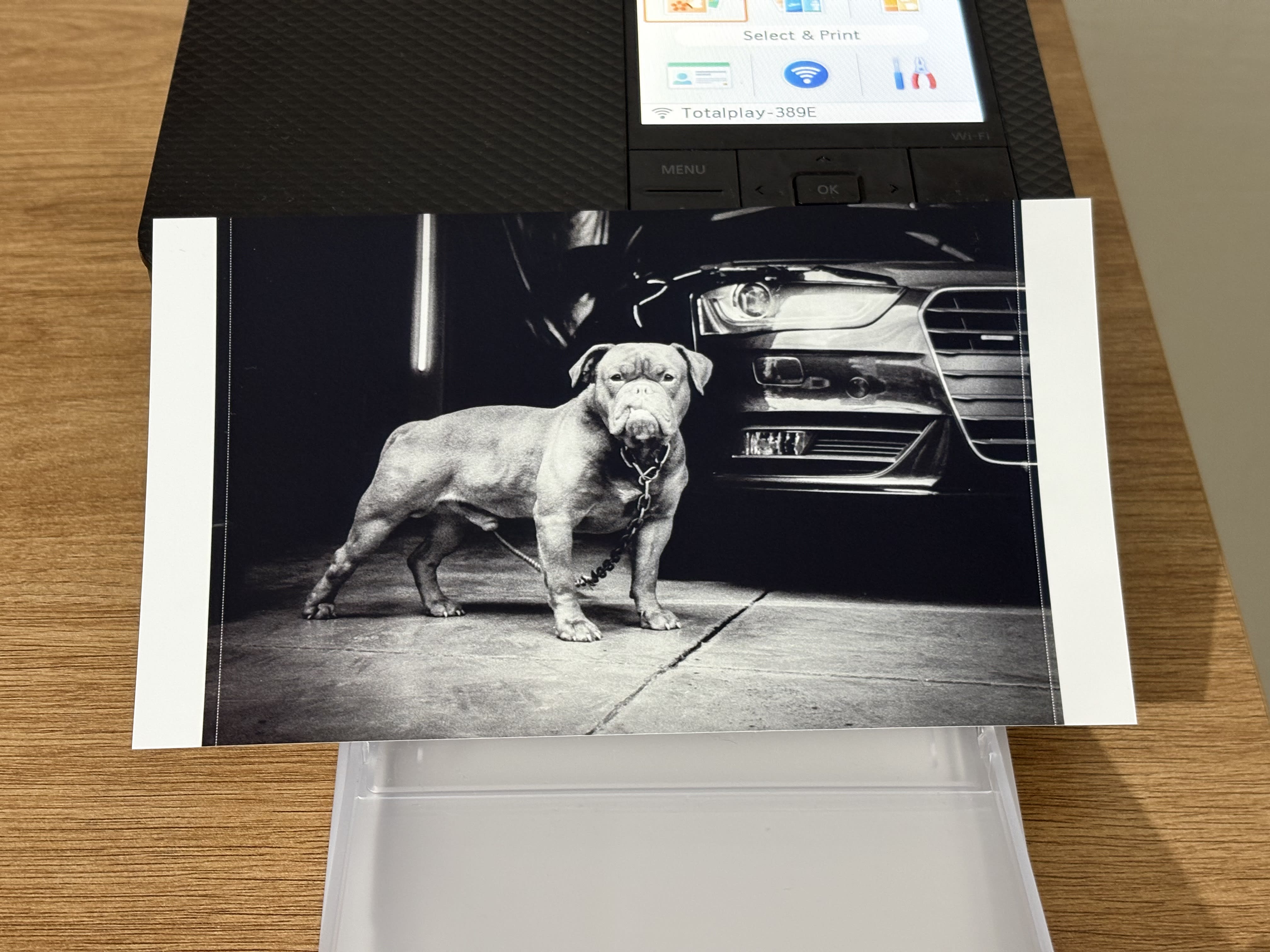
The moment it arrived, I sent a few test prints and—wow. They came out great. See for yourself.
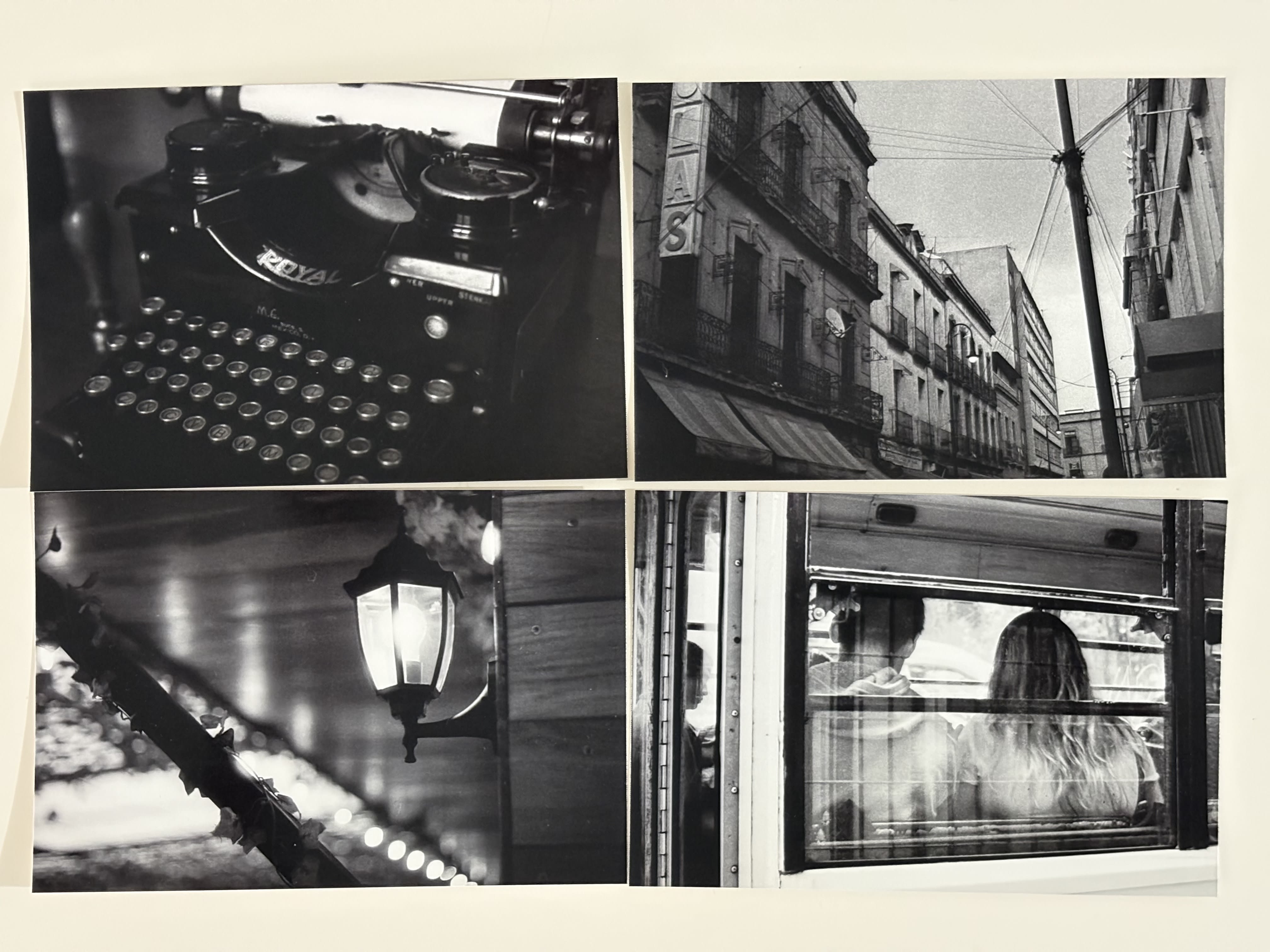
Truth is, the prints look wonderful. It doesn’t matter which film I used. Doesn’t matter if the photo was super dark or super bright—it’s surprisingly accurate compared to what you see on screen.
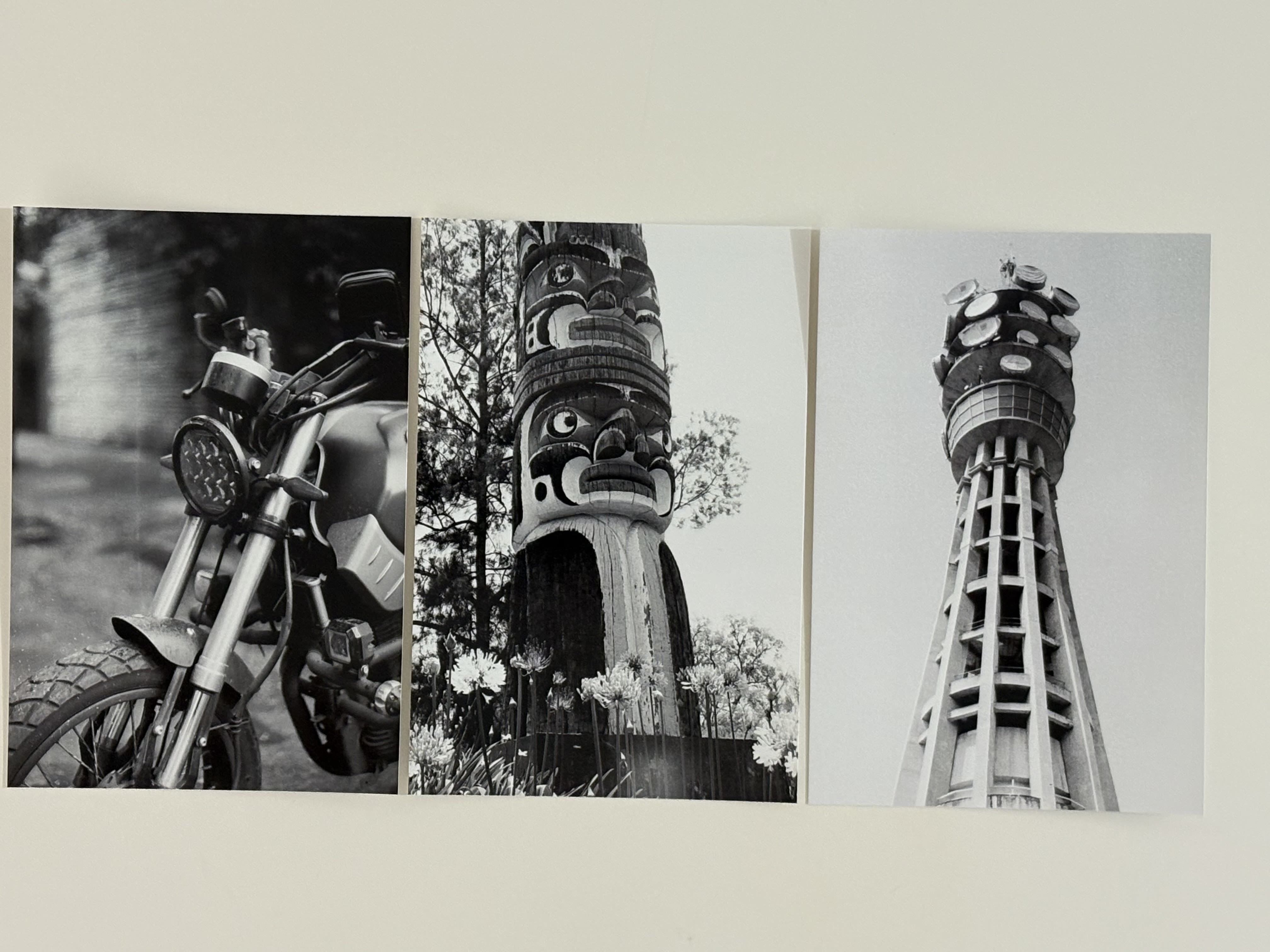
Honestly, I couldn’t be happier.
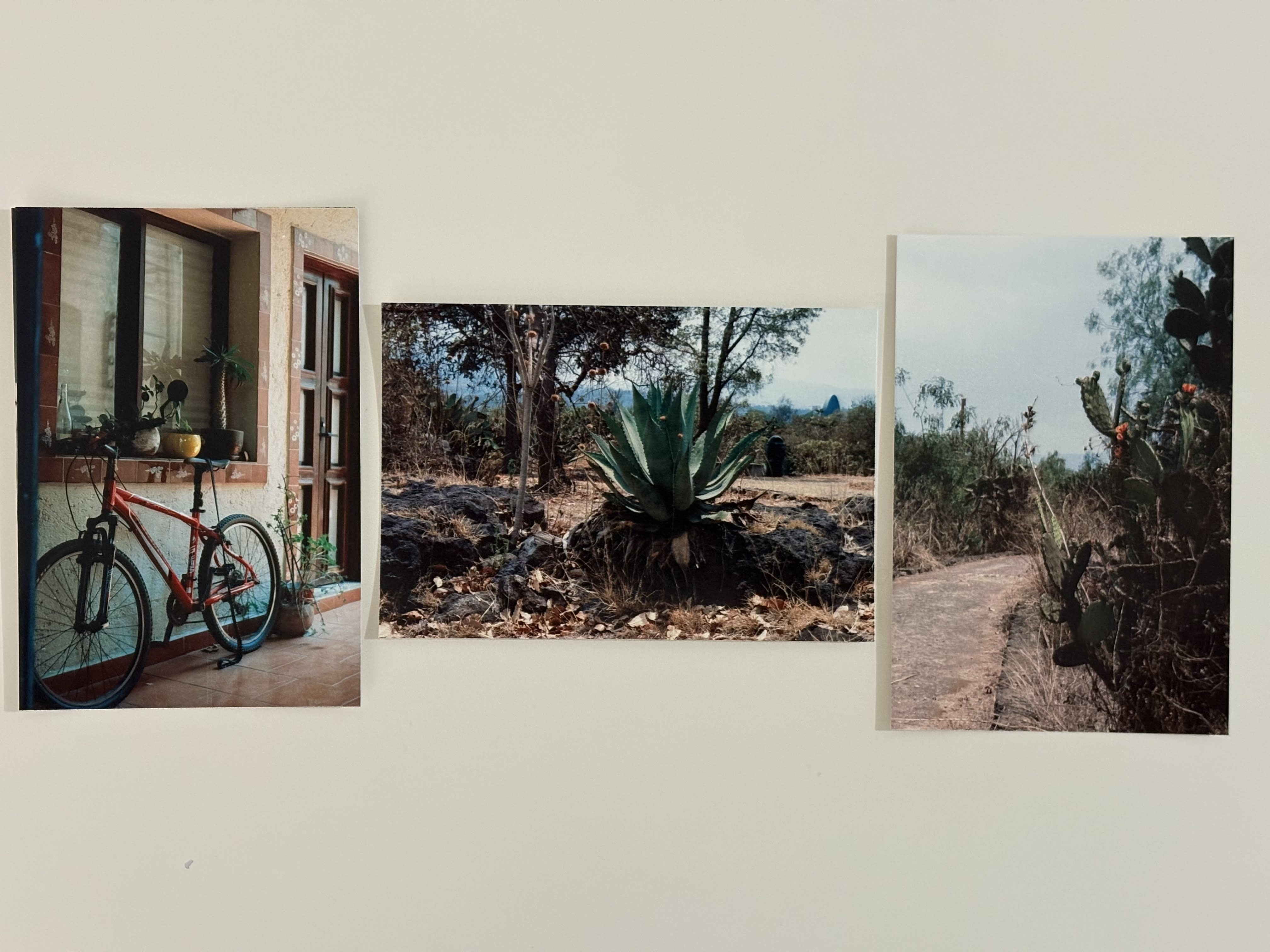
I don’t shoot much color, but for the sake of a fair review, I printed a few color shots too—and they were just as fantastic.
How Does It Work?
Using it is super simple. I didn’t even touch the manual. I just connected it to my Wi-Fi network, and it immediately showed up on my MacBook. You can print from your phone too, but I haven’t tested that—I keep my high-res photos on my computer anyway.
Once it’s visible on your system, you can print from any app that supports it. (Weirdly enough, Lightroom CC doesn’t.)
Printing a single photo takes about 1 minute and 20 seconds. However, some of that time is transferring via wireless the image to the printer.
And this is what it looks like once printed. There are a couple of borders you can easily tear off, thanks to the dotted lines.
What About Paper Quality?
Honestly? The paper is thin—but it’s decent quality. It’s glossy, but not overly shiny. I really like the finish.
Another plus: it doesn’t curl up like some other photo papers. Once it lands in the output tray, it’s almost flat.
What Kind of Consumables Does It Use?
This little printer uses Canon’s proprietary tech, meaning you can’t just feed it any 4×6 photo paper or swap in regular ink cartridges.
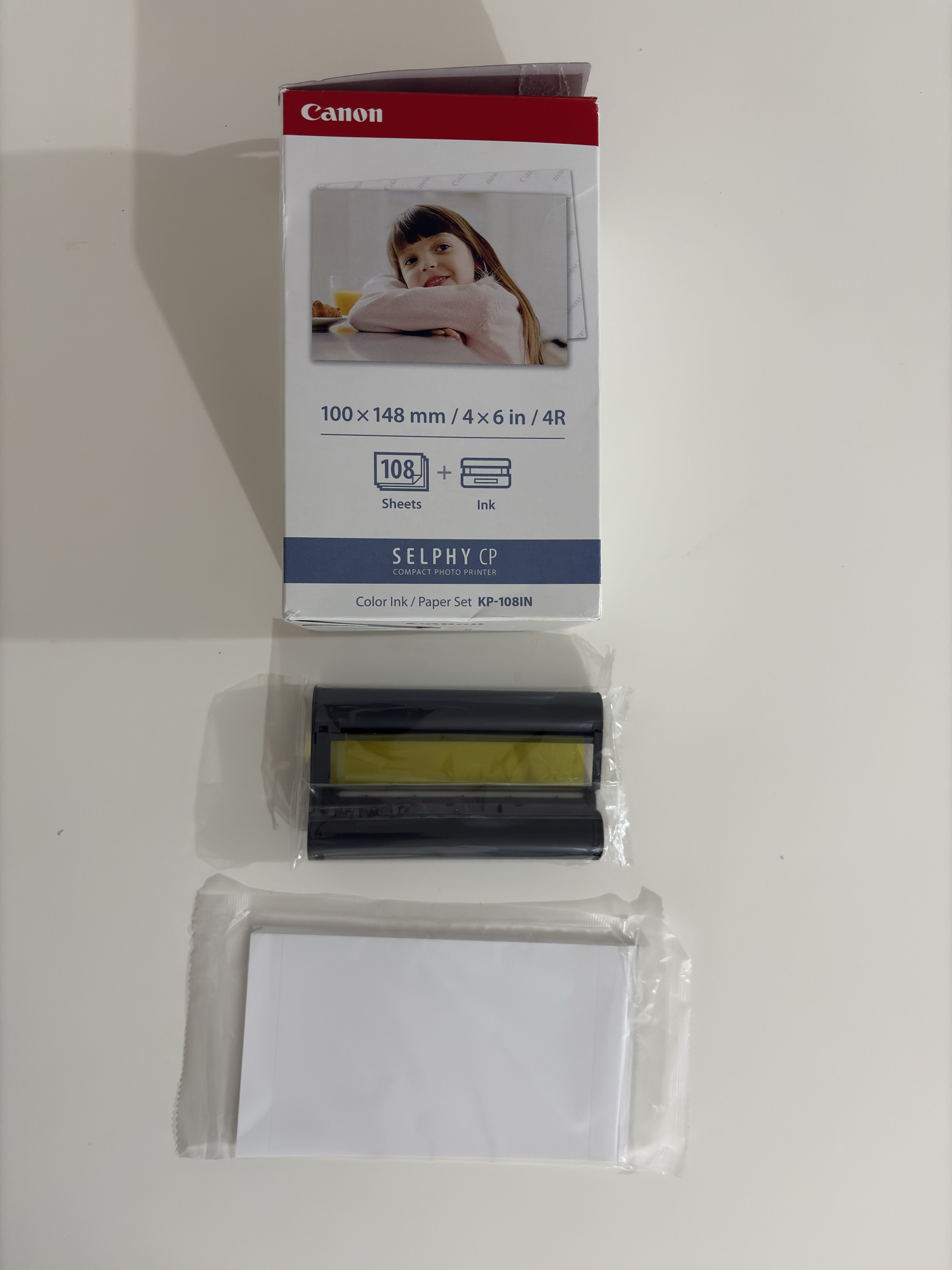
But here’s the cool part—you’ll never run out of ink unexpectedly. Canon sells a combo pack with the paper and matching dye cartridge, perfectly sized for the number of prints in the box.
They’re not exactly cheap, but if you buy the 108-print pack, the cost per print ends up being pretty reasonable.
Who Should Buy This Printer?
Buy it if:
- You enjoy printing your best shots to actually hold and display.
- You shoot friends and family and want to give them a simple but unforgettable gift.
- You’re building a bigger project (like a zine or photo exhibition) and want small, quality prints.
In other words—skip it if you’re looking for something truly professional.
This printer is small, fun, and incredibly capable. The results are significantly better than I expected for its size. And yes—a thousand times better than Instax.
Final Thoughts
This printer exceeded my expectations. I had partially low hopes, influenced by my disappointing Instax experience. I thought there wouldn’t be much difference—but I was so wrong, and I’m glad.
I’ve been printing some of my best shots lately, and I keep going back to look at them again and again.
They just feel good in your hands.
TL;DR – Canon Selphy CP1500
- Great quality 4x6 prints
- Surprisingly accurate black & white
- Nice, vibrant colors
- Super easy to use — no manual needed
- WiFi + Mac/PC compatible (mobile too, but I didn’t try it)
- Thin paper, but solid finish
- Prints come out flat, no curling
- Uses Canon-only consumables (paper + dye combo)
- Best value if you buy the 108-sheet pack
- A thousand times better than Instax